“Check the information and organize it” sounds concise, but a new colleague needs to know which source to open, which fields to copy, where to save the result, and how to confirm completion. An AI assistant can turn a shareable work note into a first manual draft when you give it those concrete pieces. A person should then follow the draft once and improve the steps that need more detail.
This article uses a fictional weekly task: collect an event name, date, and location from a public event notice. The example does not include login credentials, personal contact details, or private documents.
Define the task boundary
Start with the source address or document name, the date it was checked, the three fields to capture, the destination folder or table, and the role that reviews the result. State whether the notice is public and shareable. A phrase such as “latest event notice” may need an exact page or selection rule; write “source page to confirm” when it has not yet been chosen.
Decide how to handle incomplete source text. If the location says “to be announced,” copy that wording into the record and flag the location for later checking. Do not substitute a likely venue. If the notice cannot be opened, record the address and access time, then route the item to a responsible person instead of silently marking the weekly task complete.
Give each step one action and one completion signal
| Step | Action | Completion signal |
|---|---|---|
| 1 | Open the public notice | Title and check date recorded |
| 2 | Copy event name, date, location | Three fields entered in the table |
| 3 | Compare table with source | Date and location checked in context |
| 4 | Save the agreed file | Filename and folder recorded |
| 5 | Send for review | Reviewer role and status recorded |
Use actual menu names only after looking at the target screen. If a menu label is unknown, leave “[confirm on screen]” in the draft. The person following the manual can then fill it in during a trial run. This keeps the instruction tied to a visible action rather than a guessed interface.
Ask for a manual draft with an exception path
Turn the shareable task note below into a manual for someone doing the work for the first time. For each step, name its input, one action, and a visible completion check. Use only provided source addresses, field names, and destination paths. Mark unknown menu labels “[confirm on screen].” Add a separate path for a missing value or a source that cannot be opened. End with a short final review checklist and places to record the manual version, check date, and reviewer role.
After receiving the draft, compare its source names and paths with the real workspace. An AI-generated step is still a proposal until someone verifies that the named screen and action exist. Use a public practice notice to avoid introducing private data during the trial.
Run one complete practice case
Ask a colleague who did not write the manual to collect one event from start to finish. Note exactly where they needed an extra explanation: finding the source, interpreting a date, locating the destination, or knowing when to ask for review. Revise those lines and repeat the practice case when the relevant screen or source format changes. Record the manual's version and the date of the last walkthrough so a later reader knows what was tested.
Anthropic's workflow explanation uses predefined paths to describe one class of AI systems. The manual here is a human work instruction, not an automated agent or a claim that the task has run by itself. The useful shared idea is making the sequence and its checks explicit.
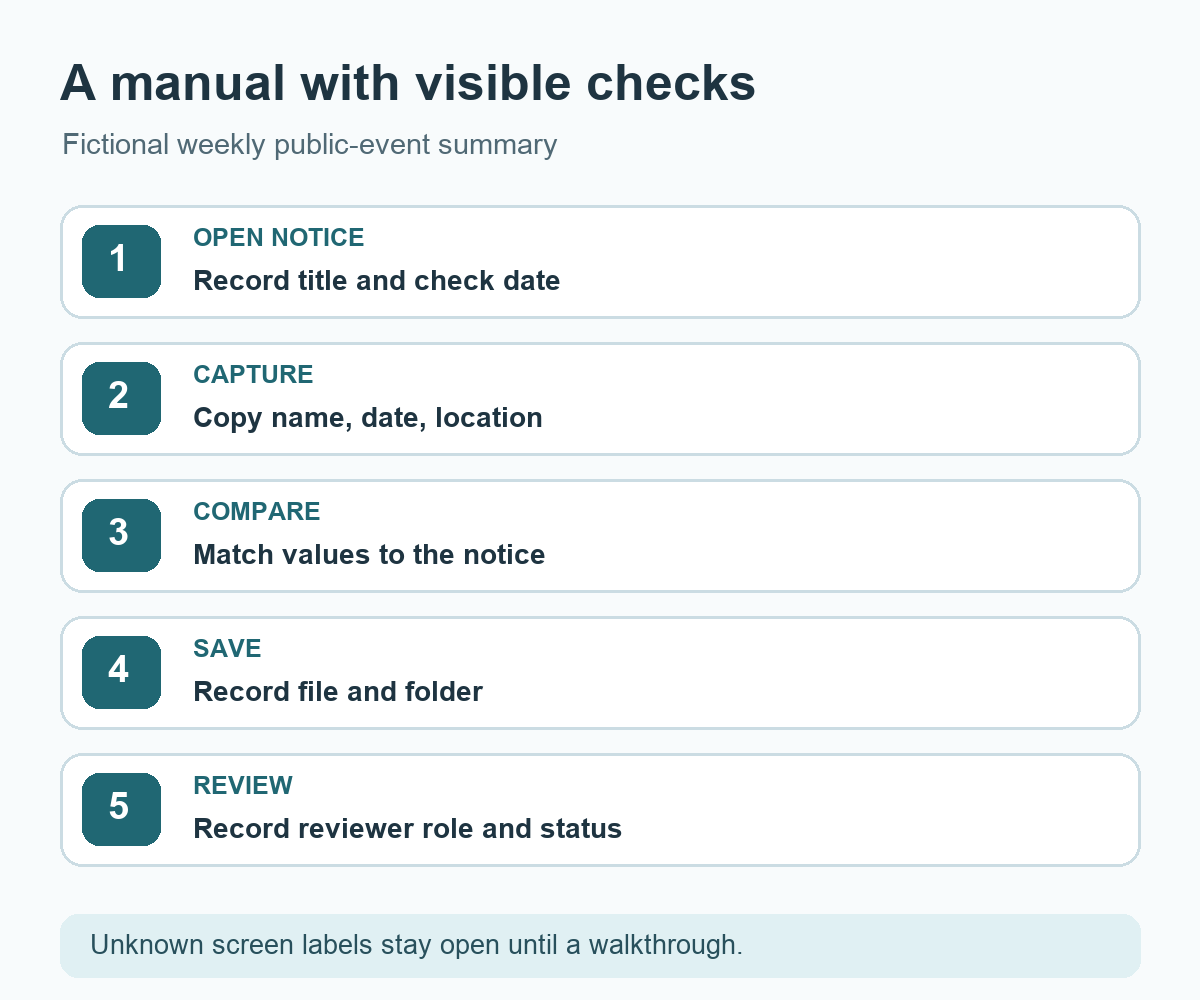
Try it: Rewrite one vague instruction you use at work as five rows with an action and completion signal. The diagram below shows the fictional notice-to-record sequence.
Read the Korean edition of this article.
Diagram: a fictional public notice passes through capture, comparison, saving, and review with a visible check at each step.
댓글