A meeting agenda becomes useful when it names what the group can decide before time runs out. For a 30-minute session, ask an AI assistant to turn a broad topic into three decision questions, then check that the right people and evidence are available. This article uses a fictional team preparing an event-information page.
Turn the topic into a decision
“Discuss the event page” describes a subject. “Which elements will we publish this week: the registration button, the schedule, or both?” asks for a choice that can be recorded. The question needs a decision owner and the material needed to make that choice. For practice, use roles such as planning lead and page editor rather than personal names or contact details.
Before adding a question to the agenda, check whether the group can answer it in this meeting. If the needed attendance figures or approved copy are unavailable, the meeting may decide who will gather them and when the choice can return. That is still a useful outcome, provided the agenda labels it accurately.
Place three questions in a time box
| Minutes | Purpose | Record to leave |
|---|---|---|
| 0–5 | Confirm goal and current state | One-sentence decision scope |
| 5–20 | Work through three questions | Option chosen or information needed |
| 20–27 | Assign follow-up actions | Role and proposed date |
| 27–30 | Read back decisions and open items | Shared meeting record |
For the fictional event page, the three questions are: (1) What can be published this week? (2) Who checks each public detail before publication? (3) What additional material must be ready for the next release? A question can carry two or three candidate choices and a source pointer. The time boxes are a planning example; adapt them to the team and the decision at hand.
Give the AI assistant only shareable inputs
Prepare a short brief with the meeting goal, participant roles, current page status, and shareable notes. Exclude private contact information and materials outside the team's approved scope. Tell the assistant to flag missing facts as questions, rather than filling in commitments.
Using only the notes below, draft a 30-minute agenda for deciding this week's event-page publication scope. Create three decision questions. For each, list the options, the evidence needed, and the role that can decide. Use 5 minutes for context, 15 for the three questions, 7 for actions, and 3 for a read-back. Mark dates or agreements missing from the notes as “to confirm.” End with a blank record for decision, owner role, action, and date. Distinguish a proposed option from a confirmed decision.
Review the agenda before sending it
Read each question aloud: could attendees answer it within the allotted time? Remove duplicated questions and confirm that a person with authority to decide will attend. If that person is absent, name the objective “prepare a recommendation” rather than “approve a final choice.” Link the required documents so the meeting can begin with a shared baseline.
After the meeting, fill in the decision record from what participants actually agreed. Keep “proposed,” “decided,” and “awaiting information” visibly separate. An agenda drafted beforehand is not evidence that a decision was made. Share the record with attendees through the team's normal process and give each follow-up a clear role and date once agreed.
Try it: Rewrite one upcoming meeting title as a question beginning “What will we decide?” Then list the evidence and decision role beside it. The diagram below shows how the 30 minutes lead to a recorded outcome.
Read the Korean edition of this article.
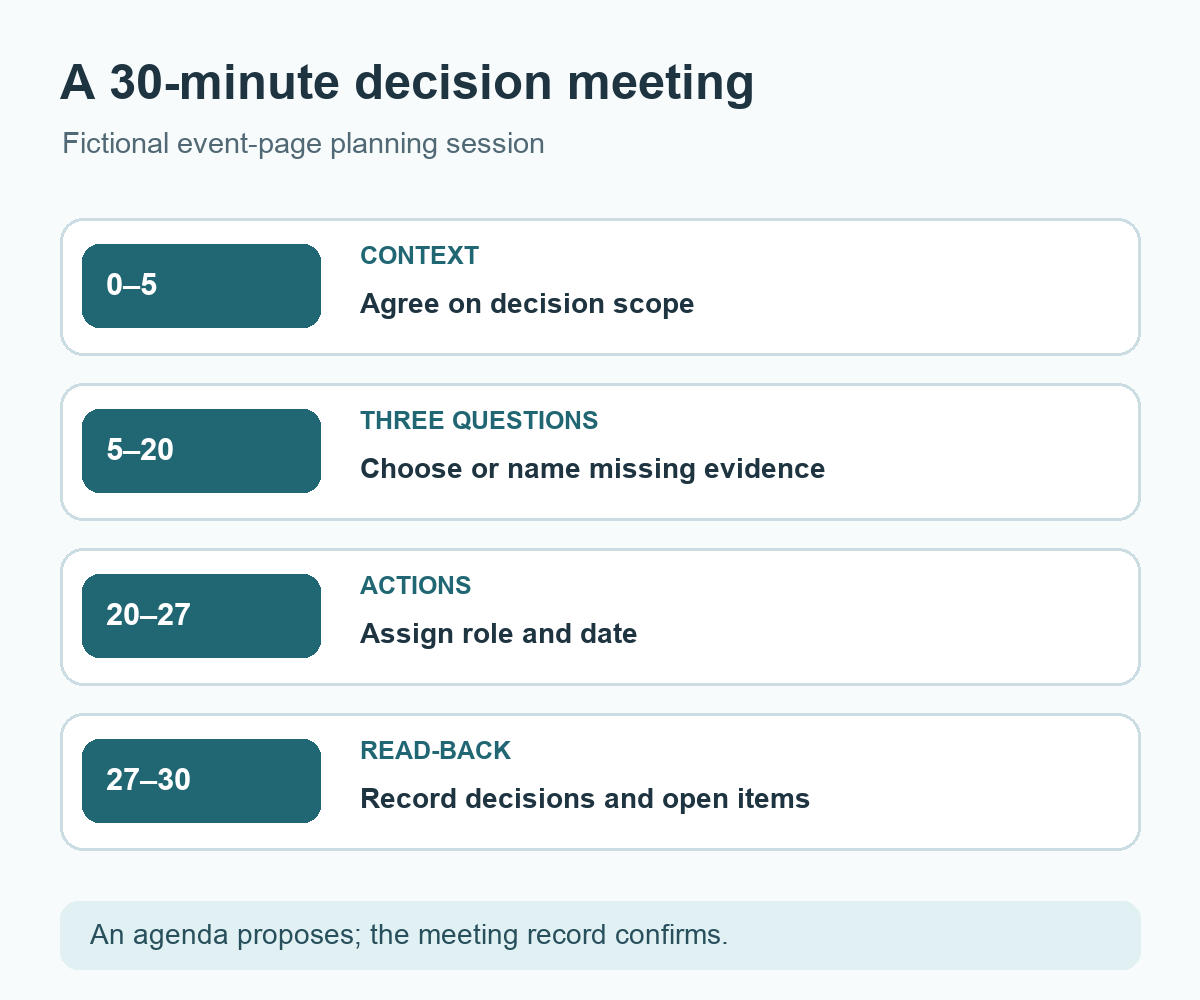
Diagram: A 30-minute meeting moves from context through three decision questions to actions and a read-back.


댓글