Quick answer: Specify the list screen as a set of states before asking an AI assistant to build it. A notes app should distinguish the first request, a request in progress, a list with notes, a completed request with zero notes, and a request that needs another attempt. For every state, write what the user sees and what action is available next.
This article describes a fictional web notes app. Its sample states are a design specification and a future check list, not a report that a live app has passed the checks.
Give each result a separate meaning
| State | Message or content | Next action |
|---|---|---|
| Before request | Notes are ready to load | Load notes |
| Loading | Loading notes | Wait; avoid duplicate requests |
| Results | Notes and result count | Open or refresh |
| Empty result | No saved notes yet | Create a note |
| Retry needed | Latest request did not complete | Try again |
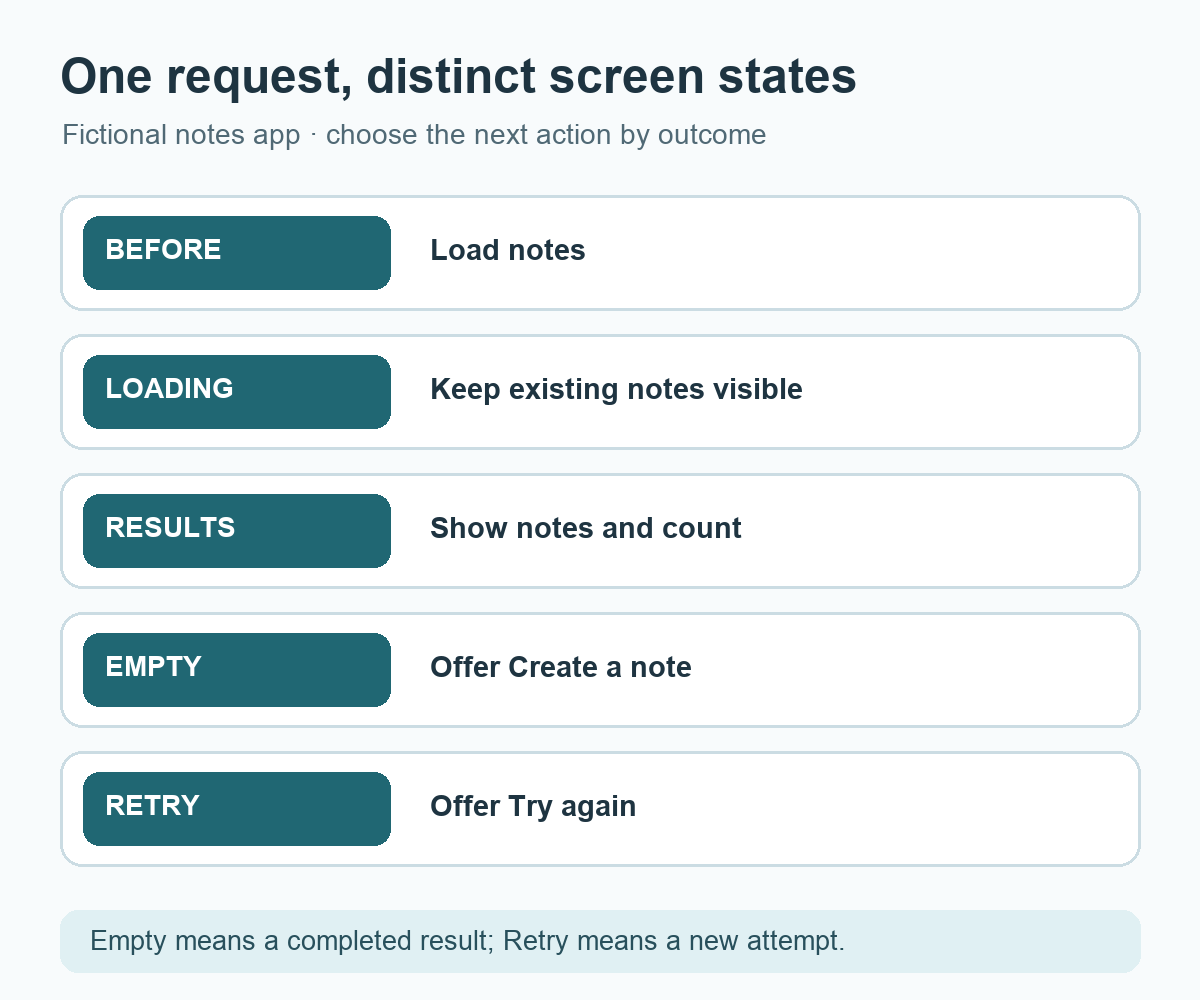
A completed response containing an empty list is different from a request that has not completed. Show a first-note action for the former and a retry action for the latter. If the user already sees notes, a refresh can keep the existing list visible while indicating that a newer request is underway. Decide whether a second tap starts another request or is ignored until the first finishes.
Check the response before choosing a state
In JavaScript, receiving an HTTP response through fetch() does not by itself mean a successful status. MDN's Using the Fetch API guide explains that a response such as HTTP 404 does not automatically reject the promise; inspect response.ok or the status. Then parse the expected body and verify its shape before rendering a note count. Network interruption, an HTTP status outside the accepted range, and a valid empty list can lead to different on-screen messages.
The screen should avoid showing an invented percentage when the service does not provide measurable progress. “Loading notes” accurately communicates an in-progress state. A long wait may call for additional guidance, but set that threshold from product needs and actual behavior rather than a decorative timer.
Make status changes available to assistive technology
Visible text alone may not announce an update to someone using a screen reader. W3C's Status Messages explanation describes how status changes can be programmatically identified without moving focus. For a routine loading or completion message, consider an appropriate status role or live-region behavior and verify it with the intended screen-reader flow. Keep the message concise and update it when loading ends.
Build a notes-list screen with distinct before-request, loading, results, empty-result, and retry-needed states. During refresh, keep an existing list visible and show a loading status. Prevent duplicate requests from repeated taps. Check the HTTP response status and expected response shape before rendering results. Make short status changes available to assistive technology without moving focus for routine updates. Show a clear next action in empty and retry states. Use practice data so each state can be demonstrated.
Reproduce every state after implementation
Use a quick response with notes, a valid empty response, a delayed response, and a response requiring a retry. Compare the displayed message, count, button availability, and focus behavior with the table. Refresh when notes are already visible and observe whether they remain readable. Then complete a retry and confirm the result replaces the temporary status. These are steps to run on the actual app; the table alone does not prove the implementation.
Try it: Sketch the five states in a single row and write a message plus one next action for each. The diagram below shows the state transitions without treating an empty result as a request that needs another attempt.
Read the Korean edition of this article.


댓글