Quick answer: Give an AI assistant the approved event notice, ask for question-and-answer drafts, and keep a source pointer beside every proposed answer. Move questions the notice does not answer into a separate organizer-review list. Publish only the wording that has been checked against the current notice.
The example below is fictional. Its sample notice contains three statements: “Entry begins 10 minutes before the session,” “Bring a personal pen,” and “Check the location in your registration confirmation email.” It says nothing about parking, guests, or prices. Those details require a real organizer decision before they appear in a public FAQ.
Start with a compact source sheet
Record the notice title, version or update date, and exact location of each statement. A link to the whole notice is useful, but a section name makes later review faster. If the notice has no version date, leave a “date to confirm” field instead of inventing one. Treat the sample statements as practice data only.
| Question | Draft answer | Source or next check |
|---|---|---|
| When may I enter? | Entry begins 10 minutes before the session. | Sample notice: Entry section |
| What should I bring? | Bring a personal pen. | Sample notice: Preparation section |
| Is parking available? | Hold for organizer review. | No parking detail in the sample notice |
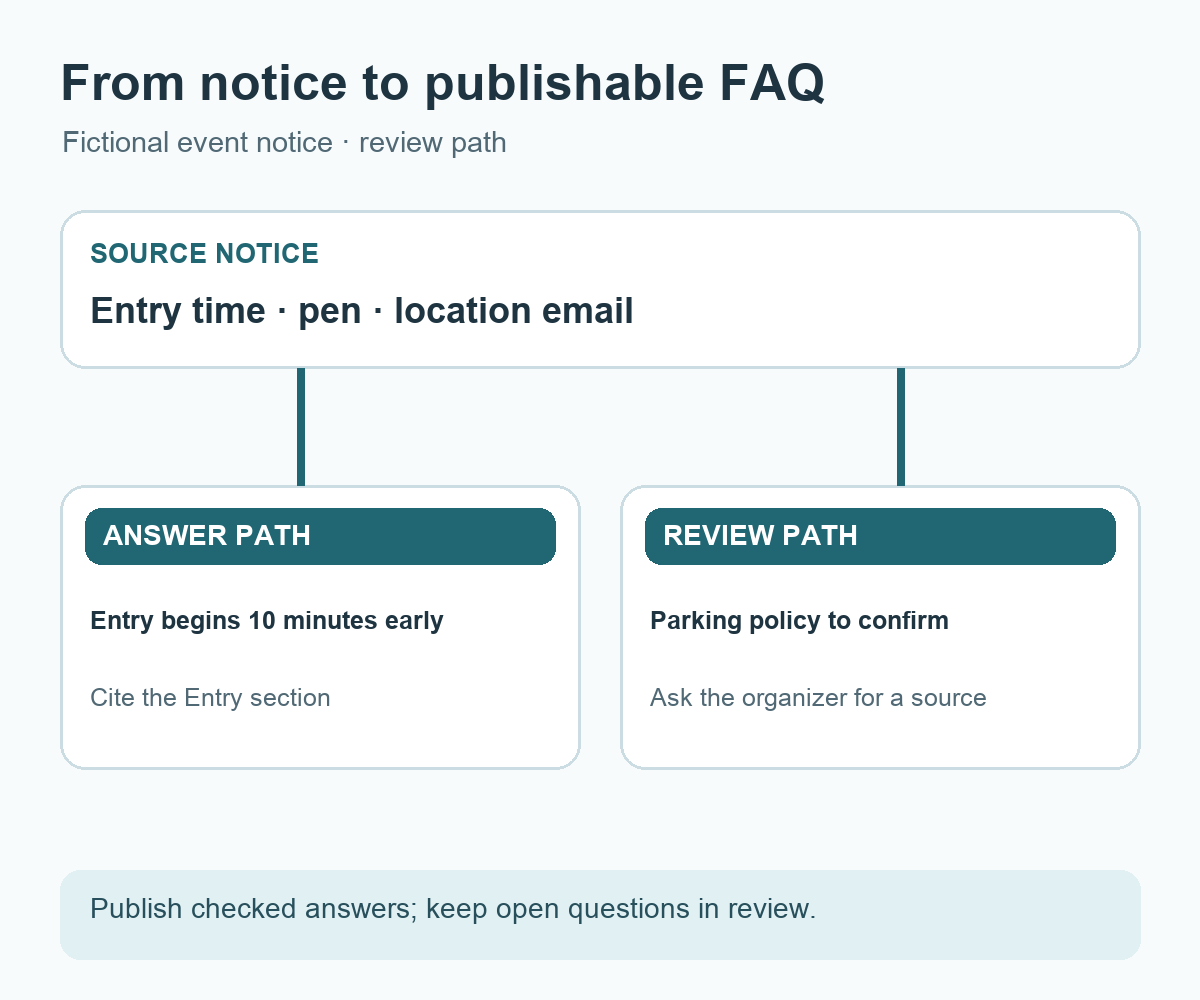
The first two rows can be compared with the provided sample sentences. The third is a question for the organizer, not a public answer. This separation keeps a useful FAQ outline while making the open decision visible.
Keep public copy and internal review apart
A public answer should tell a reader exactly what to do. “Check your email” is broad; “Check the location section of your registration confirmation email” names the expected message and item. An internal review column can keep the source passage, reviewer, check date, and unresolved questions. Decide separately whether any of that internal metadata belongs on the public page.
Do not turn a missing rule into a reassuring guess. If the notice does not state whether guests may join, write “guest policy to confirm” in the review list. After the organizer supplies an approved statement, add it to the source sheet and draft an answer from that statement.
Give the assistant a bounded request
Using only the event notice below, draft up to five FAQ entries. Keep each answer to two or three sentences. For every answer, cite the exact notice sentence and section name. Put questions that the notice does not answer in a separate Organizer review list. Use only supplied times, location details, prices, and contact details. Keep public-facing answers separate from internal source notes. Do not assume a missing policy has been approved.
Review the result line by line. A citation supplied by the assistant is a pointer to check, not proof that the passage says what the answer claims. Open the notice, compare the wording, and ask the event owner to approve details that affect attendance. Remove personal contact information from example inputs unless its use is necessary and authorized.
Maintain the FAQ after the notice changes
When an entry time or location changes, search the FAQ for answers linked to that notice section. Recheck the registration form, confirmation email, and any other public page that repeats the same instruction. Record when the FAQ was last checked against the current notice. A source-to-answer map makes this maintenance task specific instead of relying on memory.
Try it: Take one shareable notice and draft three FAQ rows with a source column. Mark any unanswered question for the organizer. The diagram below shows how the notice feeds verified answers while open questions follow a separate review path.
Read the Korean edition of this article.


댓글