Quick answer: When an AI assistant refers to something said earlier, identify the information path before calling it “memory.” The relevant text may still be in the current conversation, may have been saved through a product feature, or may have been retrieved from a connected document. A service can support some of these paths and not others, so inspect its current settings and source indicators.
This three-part map is a way to ask better questions about an answer. It does not claim that every AI product stores or retrieves information in the same way. Use a fictional project sentence for the exercise below rather than personal details.
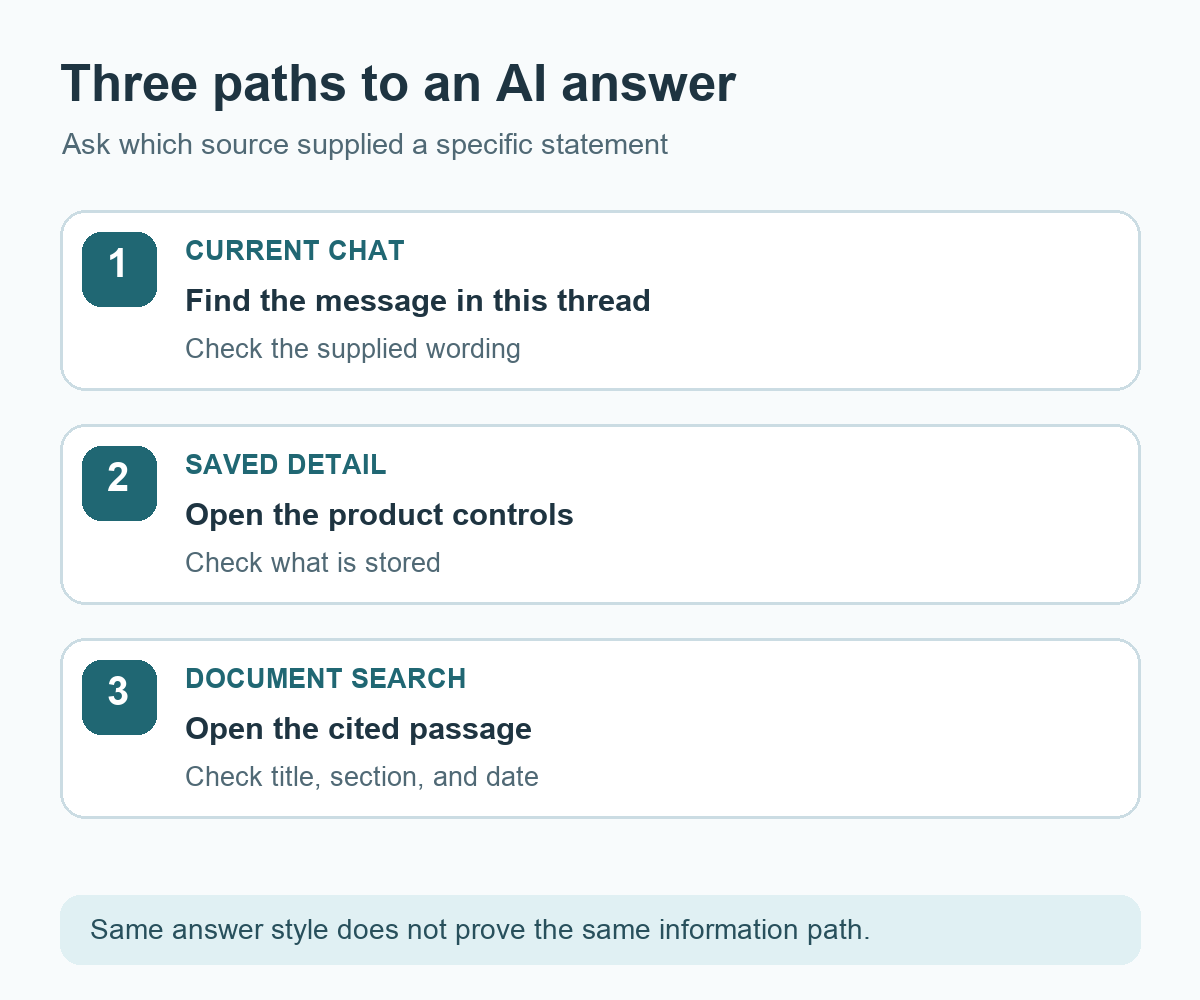
Path 1: text in the current conversation
Suppose you ask, “Put the next answer in a table,” then ask a related question. A table in the next response may reflect that instruction still being available in the active conversation. Check what you supplied in this thread and what the assistant was asked to do. Conversation handling varies by product and by task; for a consequential request, restate the important constraints near the request you want completed.
Path 2: a separately saved detail
Some services offer a feature for reusing saved preferences or details in later conversations. If that feature exists in the product you use, its settings or help pages are the place to check what can be saved, viewed, changed, or removed. Do not infer from one familiar-sounding answer that a particular sentence has been stored. Ask the assistant what source it used, then verify through the product's available controls where possible.
Path 3: a document found for this answer
A connected document search can locate relevant passages and add them to the context for a response. The source is then the document and passage, not simply a past chat statement. Ask for the document title, section, and reference date. Open the passage and check whether it still applies. Retrieval of a passage for an answer is conceptually different from changing the model's trained parameters.
For a concrete technical example, Anthropic's Contextual Retrieval explanation describes splitting documents into chunks, adding short chunk-specific context, searching those chunks, and passing relevant ones into a response. That example illustrates a retrieval path; it does not establish which features are active in every consumer AI service.
Ask the same question through three paths
| Where the sentence came from | What to request | What to inspect |
|---|---|---|
| Current chat | Point to the message in this thread | The supplied sentence and its context |
| Saved detail | Explain the saved-information feature used | Available product settings and help |
| Document search | Name the document and passage | The current document text and date |
Use the practice sentence “The planning team owns the event notice.” First paste it into the current chat and ask where the answer came from. Then, only if your chosen product offers a saved-detail feature you control, check its settings with a harmless practice preference. Finally, if you have a document-search connection, place the sentence in a shareable test document and request a passage pointer. These are separate demonstrations; their availability depends on the product.
For each claim in your answer, distinguish information I supplied in this conversation from any saved detail or retrieved document you used. Point to the message or document passage when available. If you cannot determine a source, say what I should check in the product settings or source document. Do not infer that a detail is saved merely because it appears in an answer.
Use the path to correct the right place
If the current chat supplied an outdated sentence, provide the updated text in the next request. If a product-managed saved detail is involved, use that product's controls. If the answer cites a document, update or replace the source document through the authorized workflow and rerun the question. The assistant's description of its own process can help you look, but it is not a substitute for checking the available source and settings.
Try it: Choose one non-sensitive project fact and write down the path you expect it to take. Ask for a source pointer, then compare the response with the actual chat, setting, or document. The diagram below keeps the three paths separate.
Read the Korean edition of this article.


댓글