Quick answer: Define one save operation before designing the button. The interface can show “Saving” and pause repeated taps, while the storage layer recognizes a repeated request for the same operation. Together, those rules let two taps lead to one note.
This is a design example for a fictional notes app. It describes expected behavior, not a feature that has been implemented or tested. The exact storage rule depends on whether notes stay on one device or are sent to a server.
Decide what counts as the same save
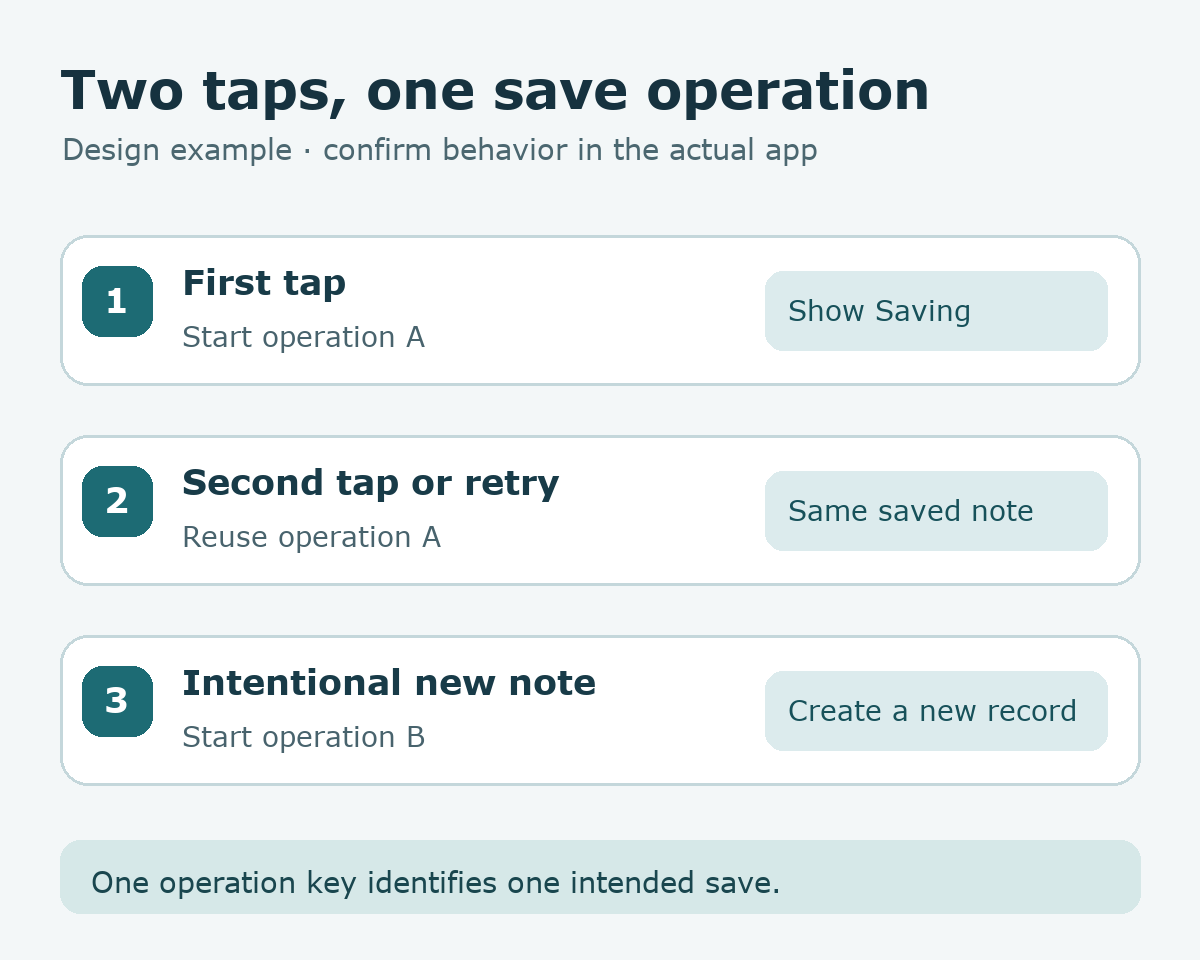
Suppose a reader writes a note titled “Weekend ideas” and taps Save. The app starts one operation and gives that operation an identifier. If the response is delayed and the reader taps again, the second request should refer to the same operation. Editing the text and intentionally creating a new note starts a new operation. This distinction is more precise than saying “every matching title is the same note”: two notes can legitimately share a title.
| Situation | Operation identity | Expected record count |
|---|---|---|
| One tap | New save operation | One new note |
| Second tap while saving | Same operation | Still one new note |
| Retry after a delayed response | Same operation until resolved | Still one new note |
| Intentional new note | New operation | One additional note |
Give the screen and storage different responsibilities
On the screen, change the button label to “Saving” and temporarily disable another tap. After confirmation, show “Saved” and the note in the list. If the connection ends before a confirmation arrives, show “Checking save result” or another clear status. The screen should not claim success simply because the tap animation finished.
For a server-backed app, the server can associate a unique operation key with the saved result. A retry carrying the same key and the same intended action can return the earlier result instead of creating another record. This is an example of an idempotent operation. The design must also decide how long the key is retained and what happens if the same key arrives with different content. These are implementation questions, not universal values.
A prompt for an AI design discussion
Design a first version of note saving. Separate the screen states Before save, Saving, Saved, and Result needs checking. Explain how a repeated tap and a retry of the same operation can leave one note. Describe the screen rule and the storage rule separately. Ask whether storage is local or server-backed, whether Save creates or updates a note, and how a deliberately new operation is identified. If confirmation is interrupted, propose a way to check the existing result before creating a new record. Label untested behavior as expected behavior.
Turn the requirement into four checks
First, tap once and inspect the note list: one record should appear. Second, tap rapidly twice and inspect both the interface and the stored record count. Third, simulate an interrupted response after the save request and check whether retrying the same operation returns the earlier result. Fourth, change the content and start a new operation; confirm that the app follows its chosen create-or-update rule. These are test cases to run against an implementation, not passed test results.
Try it: Write one sentence defining when two Save requests belong to the same operation. Then draw the four screen states beside the single-record rule. The diagram below separates what the reader sees from what the storage layer confirms.
Read the Korean edition of this article.


댓글