Quick answer: Give each card one job, and keep a fact-check table beside the design. An AI assistant can propose a five-card sequence, but the final date, time, place, capacity, and application instructions must still match the source notice.
This example converts a fictional neighborhood book-club notice into five cards. Its event details are practice data, not an announcement for a real gathering. Use a notice you wrote or have permission to adapt for an actual project.
Start with a source paragraph
Imagine this notice: “The autumn book club meets on October 10 from 2:00 to 3:30 p.m. at the Village Reading Room. Bring one sentence from a book you would like to share. Apply through the event information page. There are 12 places. Check that page for any further details about fees and materials.” Keep the paragraph visible while drafting the cards. In particular, the notice does not state a fee amount or an application deadline.
Assign one reader question to each card
| Card | Reader question | Information to show |
|---|---|---|
| 1 | What is this? | Autumn book-club invitation |
| 2 | When and where? | October 10, 2:00–3:30 p.m., Village Reading Room |
| 3 | What should I prepare? | One sentence from a book |
| 4 | How do I join? | Apply through the information page; 12 places |
| 5 | What should I check next? | Open the information page for fee and material details |
For a sample first card, write “An autumn book club for sharing one memorable sentence.” Card two can carry the date, time, and venue in large readable text. Card five should point to the actual information page once its URL has been confirmed. A page link in a draft is a placeholder until someone opens it and verifies the destination.
Ask for a draft with source pointers
Turn the notice below into five information cards. For each card, provide its purpose, a short title, body copy, a visual idea that helps the reader, and the exact source sentence supporting it. Keep the date, time, place, capacity, and application method unchanged. Do not add a fee amount, benefit, or deadline that the notice does not state. Put open questions in a separate review table instead of the public card copy.
Supplying the source sentence for each card makes review faster: the editor can compare every line with the notice instead of relying on a smooth-looking summary. Visuals should also carry meaning. A calendar and clock can support the schedule; a book with one highlighted sentence can explain the preparation step.
Use a compact fact-check sheet
| Fact | Source | Card to inspect |
|---|---|---|
| Date and time | October 10, 2:00–3:30 p.m. | 2 |
| Venue | Village Reading Room | 2 |
| Preparation | One sentence from a book | 3 |
| Capacity | 12 places | 4 |
| Fee | Amount not stated; check information page | 5 |
Read the card set at phone size before publishing. Check line breaks, contrast, and whether the important words remain legible without zooming. Put essential text in the accompanying post as well as in the artwork, so readers can still find the details outside the image. If a real place photo is used, check permission and the visibility of people in the frame.
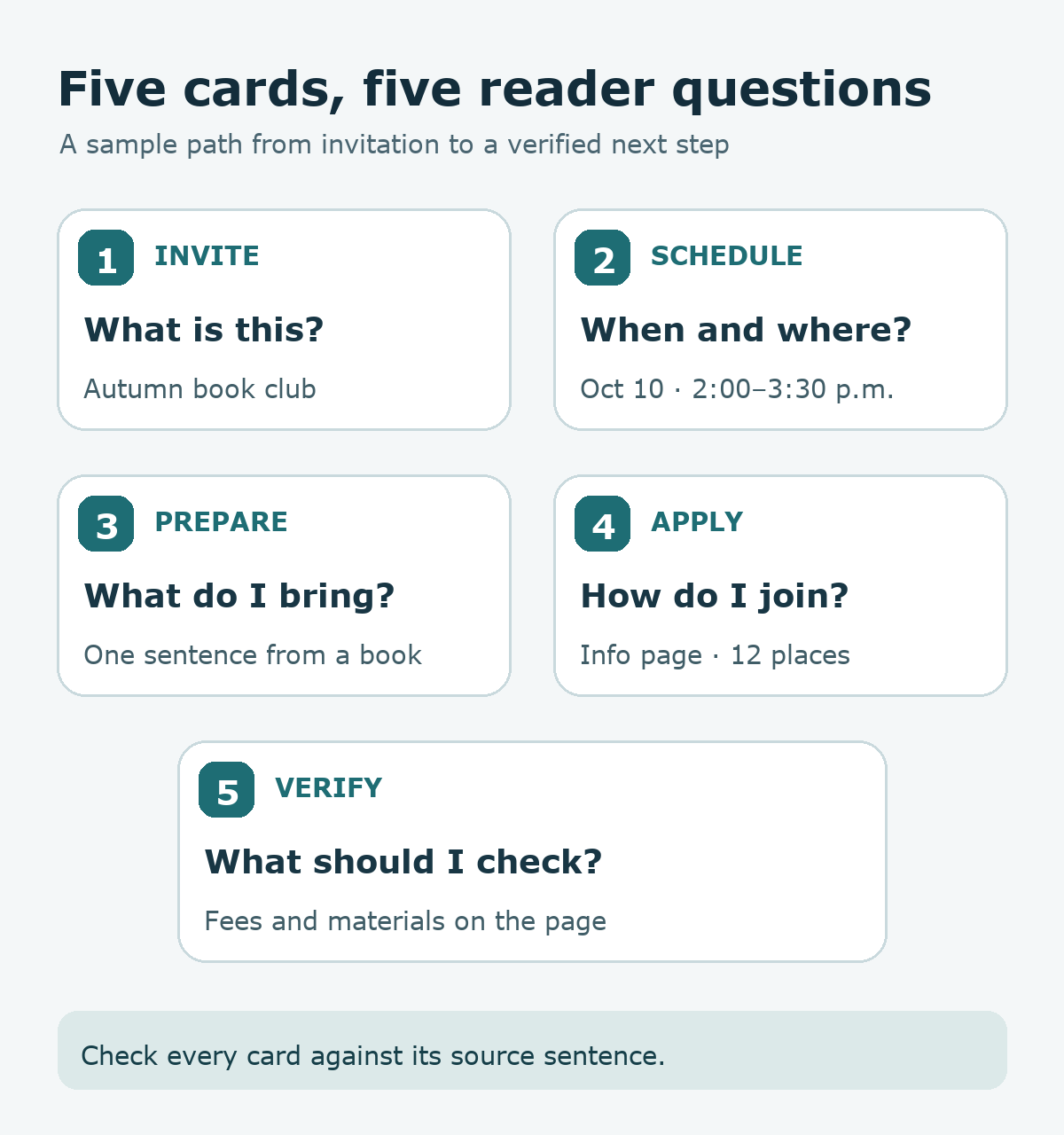
Try it: Take a short notice you control, map five reader questions to five cards, and compare each public sentence with its source line. The diagram below shows the five-card route from introduction to next action.
Read the Korean edition of this article.
'English Articles' 카테고리의 다른 글
| Create a Google Sheets Status Dropdown for Ready, In Progress, and Done (0) | 2026.09.23 |
|---|---|
| Design a Save Button with AI: One Note After Two Taps (0) | 2026.09.23 |
| Organize Research with Chrome Tab Groups: Search, Reading, Sources (0) | 2026.09.23 |
| Design Photo Attachments with Separate Preview and Upload States (0) | 2026.09.23 |
| Practice English with a 10-Minute AI Cafe Role-Play (0) | 2026.09.23 |


댓글