“Organize tomorrow's tasks” can end with a list in a chat. “Add a planning meeting to my calendar” asks for a change in another service. Those two requests may feel similar in conversation, yet they have different completion evidence. Use three stages—answer, lookup, and action—to say what you want and to verify where the result exists.
The examples below are fictional. They describe possible tool-enabled designs, not features promised by any particular AI assistant or calendar product.
Stage 1: an answer in the conversation
Give the assistant a short task list and ask it to group the items by priority. The output is a proposed list in the chat. You can read and revise it there. No calendar entry is needed to complete this request. A useful prompt might be: “Sort these five tasks by deadline, show your assumptions, and keep the result in this conversation.” Check the list against your original dates before relying on its order.
Stage 2: a read-only lookup
To suggest a meeting time around existing events, a tool-enabled assistant may need a calendar connection and permission to read the relevant schedule. The evidence for this stage is the time range and calendar information it actually checked. A proposed free slot remains a proposal until the user chooses it. Specify the date range and time zone; 9 a.m. in one zone can be a different local time for a participant elsewhere.
Stage 3: a recorded action
Creating the event requires a title, date, start and end times, time zone, calendar, and sometimes attendees. The system must have permission to create an event. After the action, inspect the returned event details and open the calendar's normal view to confirm the record. If an invitation is intended, check the invitee list as a separate detail. A chat message saying “done” is one signal; the saved event is the evidence you can use later.
| Request | Needed input or access | Completion check |
|---|---|---|
| Group tomorrow's tasks | Task list supplied in chat | Review the proposed list |
| Find two open times | Calendar read access, range, time zone | Inspect the times and source range |
| Create one meeting | Chosen slot, event details, create access | Open the saved calendar event |
The table keeps the output layer visible. It also helps when asking an assistant to stop after the lookup stage. A read connection and a create connection are different capabilities; check the actual service permissions rather than inferring one from the other.
Set the action boundary in your request
Read my calendar for tomorrow in my stated time zone and propose two 30-minute openings. Do not create an event yet. Once I choose a time, show the proposed title, date, start and end times, time zone, calendar, and attendees for review. Then create the event only after I explicitly request it. After creation, report the saved event details so I can open it in the calendar.
This wording separates looking, choosing, and creating. For a different service, replace “calendar event” with the record that matters there: a task item, a document update, or a form submission. Define what persisted state would count as completion before the action begins.
How a tool-enabled workflow fits together
Anthropic's engineering explanation distinguishes workflows with predefined tool paths from agents that choose steps based on intermediate feedback. Either arrangement still depends on the available tools, access, and checks. The human-facing question is simpler: which stage has happened, and where can you inspect its result?
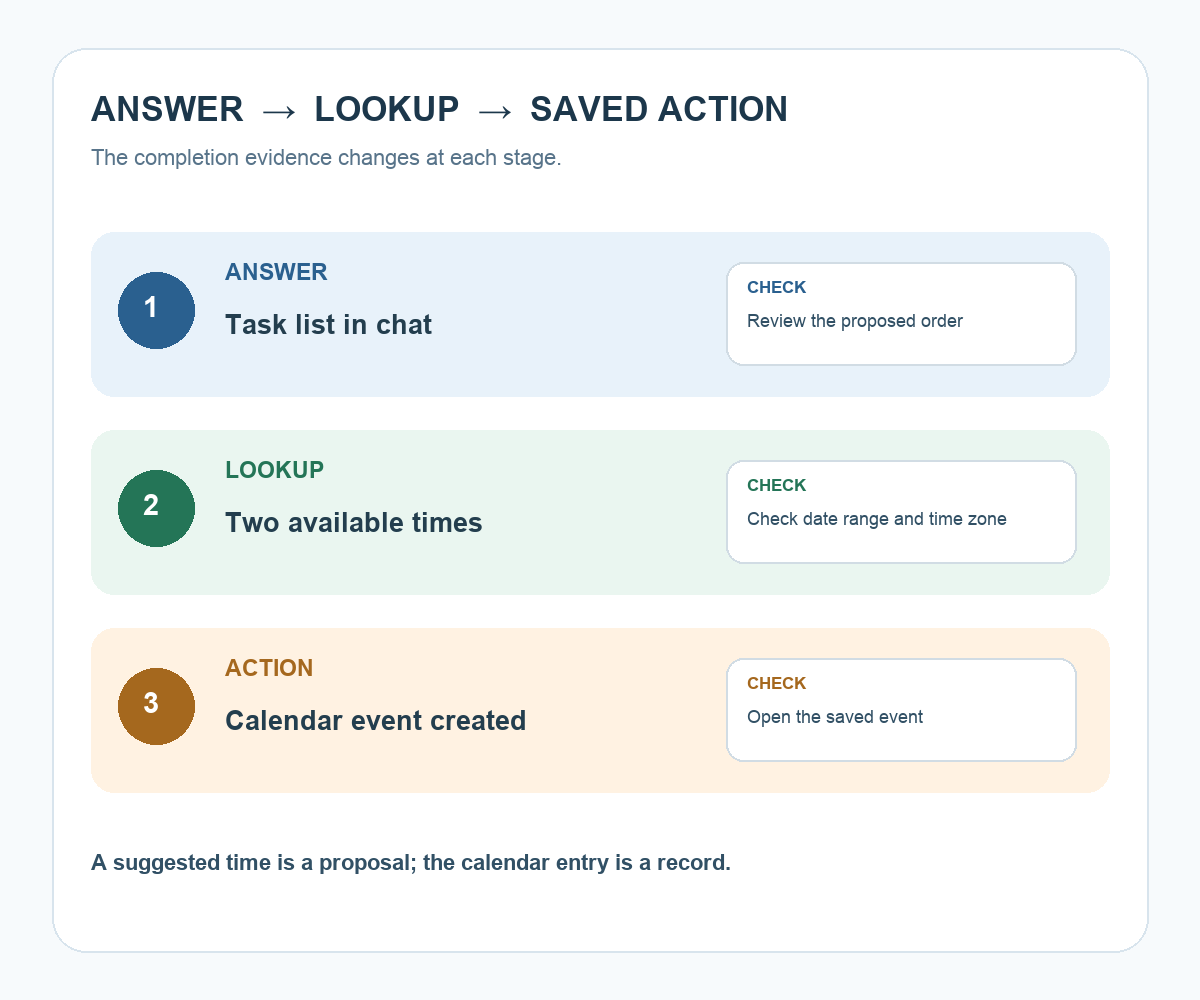
Try it: Take one request you often make to an assistant and write three separate sentences: “summarize,” “look up,” and “record.” Add a completion check to each. The diagram below shows why a suggested slot and a saved event belong in different stages.
Read the Korean edition of this article.
A suggested time is a proposal; a calendar entry is a record you can open and verify.


댓글